Overview
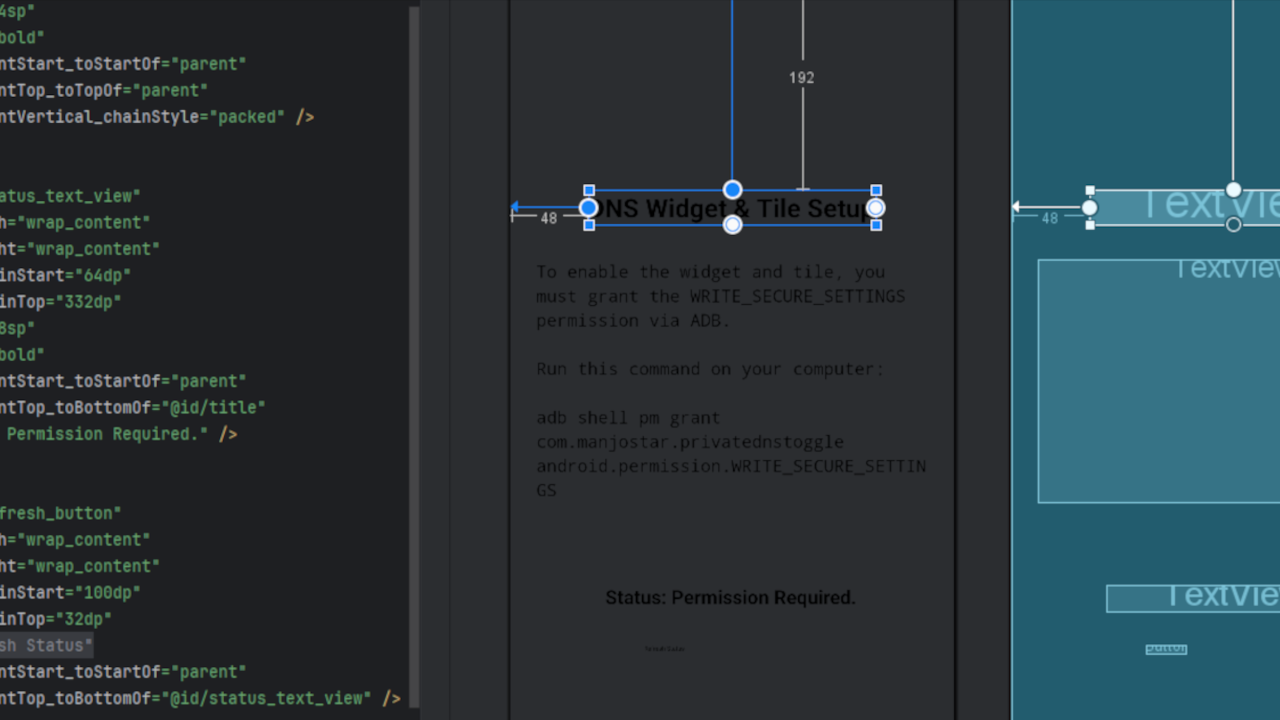
An innovative Android app that provides quick access to Private DNS settings through both a home screen widget and a system quick settings tile, enabling users to toggle DNS configurations with a single tap.
Quick access to Private DNS settings with a system widget and tile — a product of Manjo Star's software offerings.
An innovative Android app that provides quick access to Private DNS settings through both a home screen widget and a system quick settings tile, enabling users to toggle DNS configurations with a single tap.
Built with native Android development, leveraging the latest Android framework APIs for seamless integration with system settings and widgets. The app is optimized for performance and battery efficiency.
Please follow this guide to activate the permissions to get this working on your device. To view this guide in video format, visit the YouTube channel at https://www.youtube.com/@ManjoStar
To start off, you will need to have ADB (Android Debug Bridge) set up on your computer, and a USB cord to connect your phone.
You can download adb at https://developer.android.com/tools/releases/platform-tools
Next, you will need to put your phone into Developer Mode. To do this, go to Settings > About phone, find the Build number, and tap it rapidly about seven times until you see a message saying "You are now a developer!"
In your Developer Settings, you can now enable "USB debugging"
Now, connect your phone to your computer with a USB cord. You may see a prompt on your phone asking you to allow USB debugging from your computer. Make sure to allow this.
Next, open a command prompt or terminal on your computer and navigate to the folder where you downloaded adb. Run the command "adb devices" to make sure your phone is properly connected. You should see your device listed.
Now, run the following command to grant the necessary permissions to the app:
adb shell pm grant com.manjo.star.privatednstoggle android.permission.WRITE_SECURE_SETTINGS
After running this command, you should be able to use the app to toggle your private DNS settings. You can also add the widget to your home screen or the tile to your quick settings for easy access.
If you have any questions or need further assistance, please feel free to contact using the below contact information, or visit the YouTube channel for more guides and tutorials.